
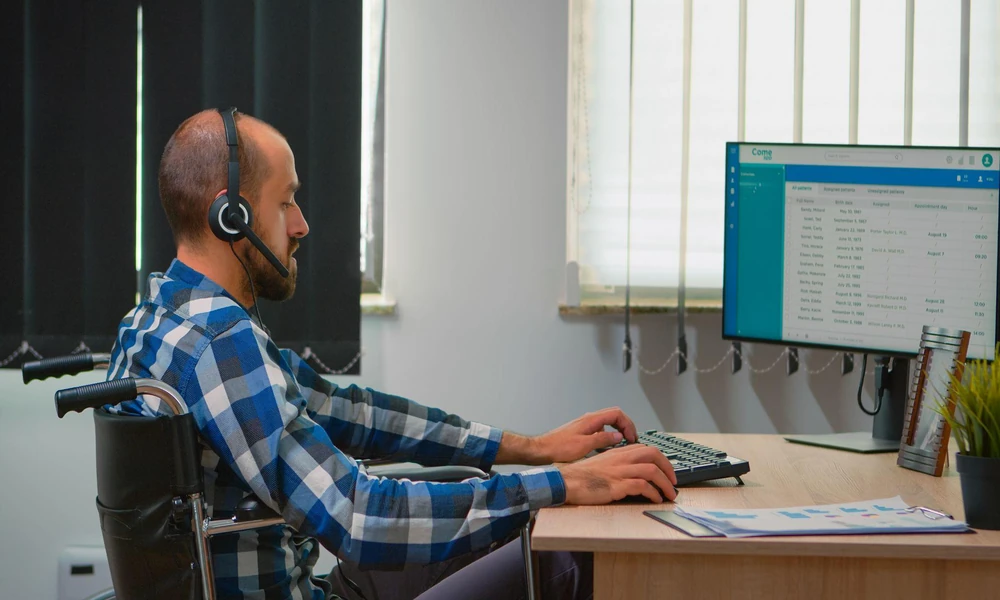
Laptop stands can help address some workstation problems, particularly those related to screen height and positioning. However, a stand cannot correct every aspect of an unsuitable workstation, as chair height, desk height, input-device placement and body support also affect the overall setup.
An ergonomic laptop stand is most effective when used as one part of a workstation rather than as a complete solution. Understanding what it can and cannot adjust helps users identify when changes to other equipment are necessary.
Laptop Screen Positioned Too Low
A laptop placed directly on a desk often positions the screen lower than a separate desktop monitor. Raising the laptop can bring the display closer to a comfortable viewing position and reduce the need to continually look down.
An ergonomic laptop stand can help by:
- Raising the laptop screen from the desk surface.
- Allowing the screen angle to be adjusted on compatible models.
- Making it easier to position the display so the top of the screen is around eye level or slightly below it.
- Supporting a more upright head and neck position.
Screen height should still be adjusted according to the individual and the workstation. A laptop stand therefore addresses the physical position of the display, but other equipment may be needed once the laptop is raised.
Laptop Screen Positioned Too Close or Too Far Away
Viewing distance is another factor in workstation arrangement. Occupational ergonomics guidance generally recommends placing a computer screen approximately an arm’s length away, although the appropriate distance depends on screen size, text size and individual visual needs.
A laptop stand may allow the computer to be moved backwards or forwards while maintaining its raised position. However, desk depth can limit how much adjustment is possible.
If there is insufficient space to achieve a suitable viewing distance, other changes may be necessary. These can include rearranging equipment, changing the desk layout or using a work surface with adequate depth.
A stand can therefore assist with screen distance, but the available work surface ultimately determines the adjustment range.
Keyboard and Mouse Positioned Too High or Too Far Away
Raising a laptop also raises its built-in keyboard and trackpad. This can make prolonged typing uncomfortable because the hands may need to reach upwards or forwards.
For this reason, a raised laptop is commonly paired with a separate keyboard and mouse. These devices can be positioned independently of the screen.
A suitable arrangement generally involves:
- Keeping the keyboard directly in front of the user.
- Positioning frequently used input devices within easy reach.
- Keeping the mouse close to the keyboard.
- Avoiding unnecessary reaching while typing or navigating.
- Allowing the shoulders to remain relaxed rather than raised.
A laptop stand can improve screen placement, but it cannot independently optimise both the screen and built-in keyboard. External input devices may therefore be required for longer periods of laptop use.
Chair Height Does Not Match the Desk
A laptop stand cannot correct a chair that is too high or too low relative to the work surface. Chair height affects the position of the arms, shoulders, legs and feet while working.
The chair should allow the user to reach the keyboard without unnecessarily raising the shoulders. Feet should also be supported by the floor or, where appropriate, a suitable footrest.
If adjusting the chair for the desk leaves the feet unsupported, a footrest may provide additional support. The laptop stand can then be adjusted separately to position the screen.
Chair adjustment therefore addresses seated body position, while the stand primarily addresses laptop placement.
Desk or Study Table Is Too High or Too Low
Desk height determines where the keyboard, mouse and other work materials sit in relation to the body. A laptop stand cannot compensate fully for a work surface that places these items at an unsuitable height.
That said, when evaluating an ergonomic study table in Singapore, adjustability can be useful where the desk is shared or used for different activities. The work surface should support comfortable positioning of frequently used equipment without requiring excessive reaching or raised shoulders.
A height-adjustable table can provide greater flexibility, but a fixed-height desk may also work when correctly matched with an adjustable chair and other equipment. The key requirement is coordination between desk, chair and device positions.
The table therefore establishes the working surface, while a laptop stand provides more targeted control over screen placement.
Insufficient Back and Lower-Body Support
Laptop stands do not provide direct support for the back, hips, legs or feet. These aspects of workstation ergonomics depend primarily on seating and how the chair is adjusted.
A suitable seated setup should consider:
- Backrest support and position.
- Seat height and depth.
- Comfortable hip and knee positioning.
- Adequate space beneath the desk.
- Stable support for the feet.
Changing screen height alone will not resolve problems caused by unsuitable seating. Chair adjustments or different seating may be necessary when adequate support cannot be achieved.
Overall, an ergonomic laptop stand is mainly useful for controlling laptop screen height, angle and placement. A complete workstation may also require appropriate seating, desk dimensions, external input devices and lower-body support.
Reach out to Ergoworks to build a workstation that works as a whole.